
Set up WPSentinel in 5 minutes — no code.
Three plugins, one workflow. Here is the whole setup, step by step.
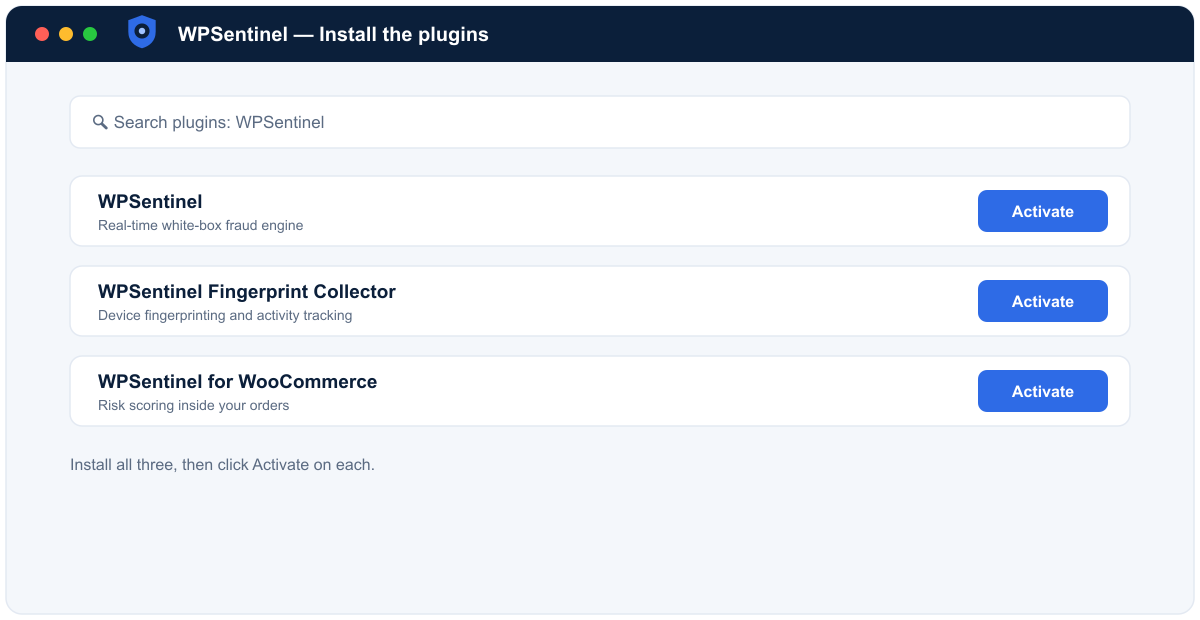
Step 1 — Install the plugins
From your WordPress admin, go to Plugins → Add New and install WPSentinel, the Fingerprint Collector, and WPSentinel for WooCommerce. Activate all three.
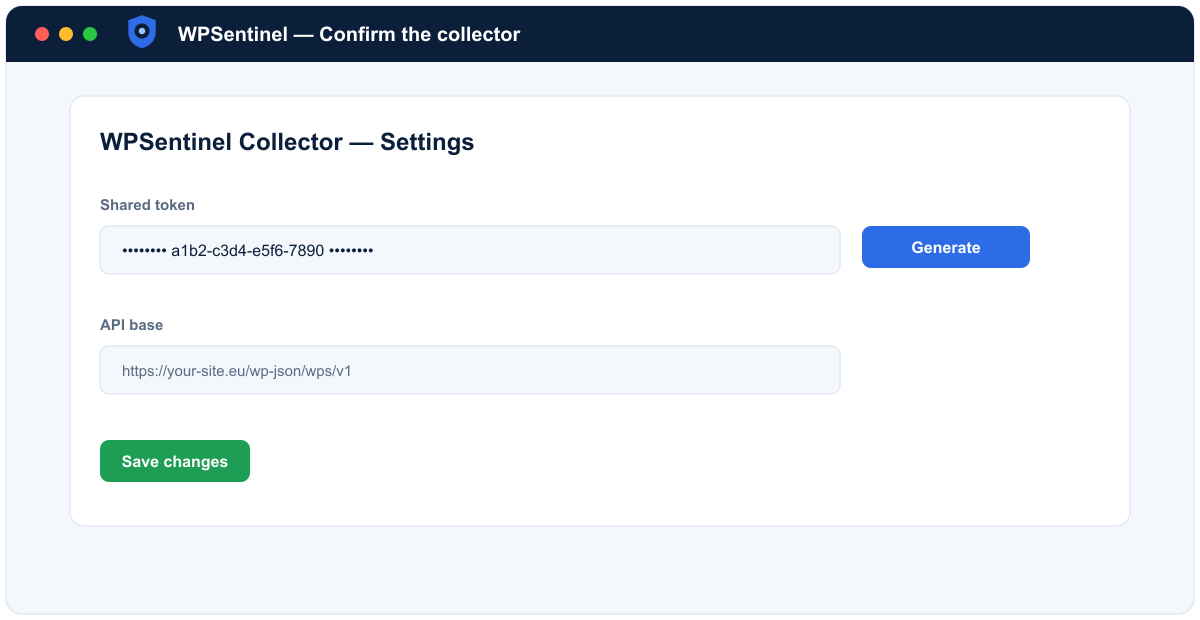
Step 2 — Confirm the collector
Open Settings → WPSentinel Collector. A shared token is generated automatically — leave the defaults unless your developer tells you otherwise.
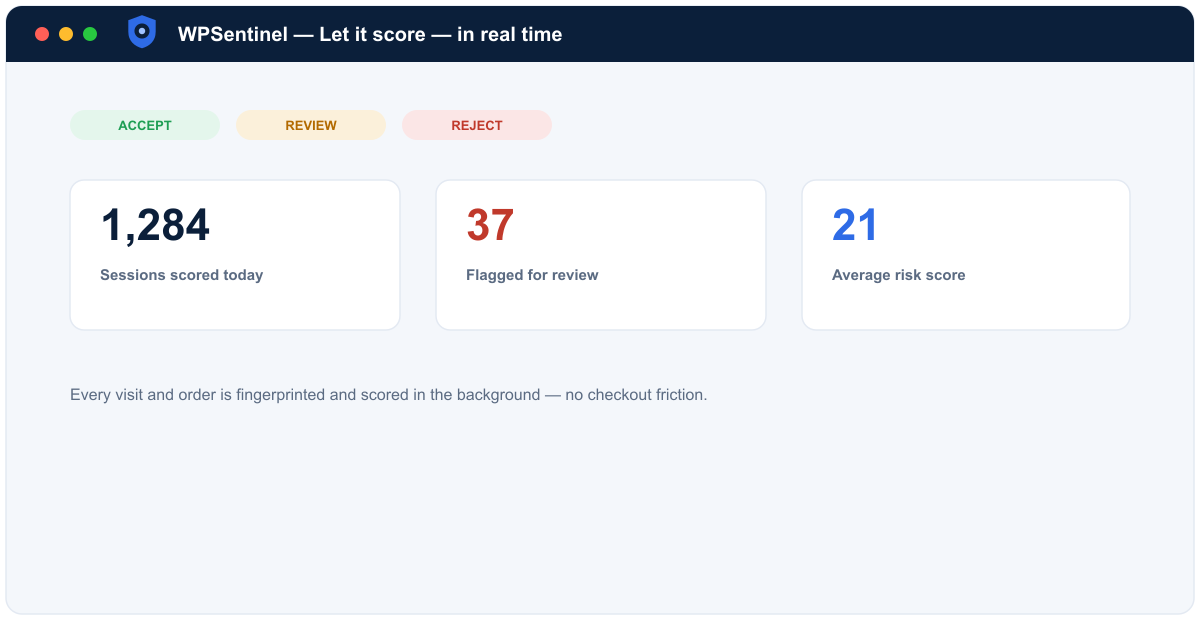
Step 3 — Let it score, in real time
WPSentinel now fingerprints and scores every visit and order in real time, with no checkout friction. Watch results land on the dashboard.
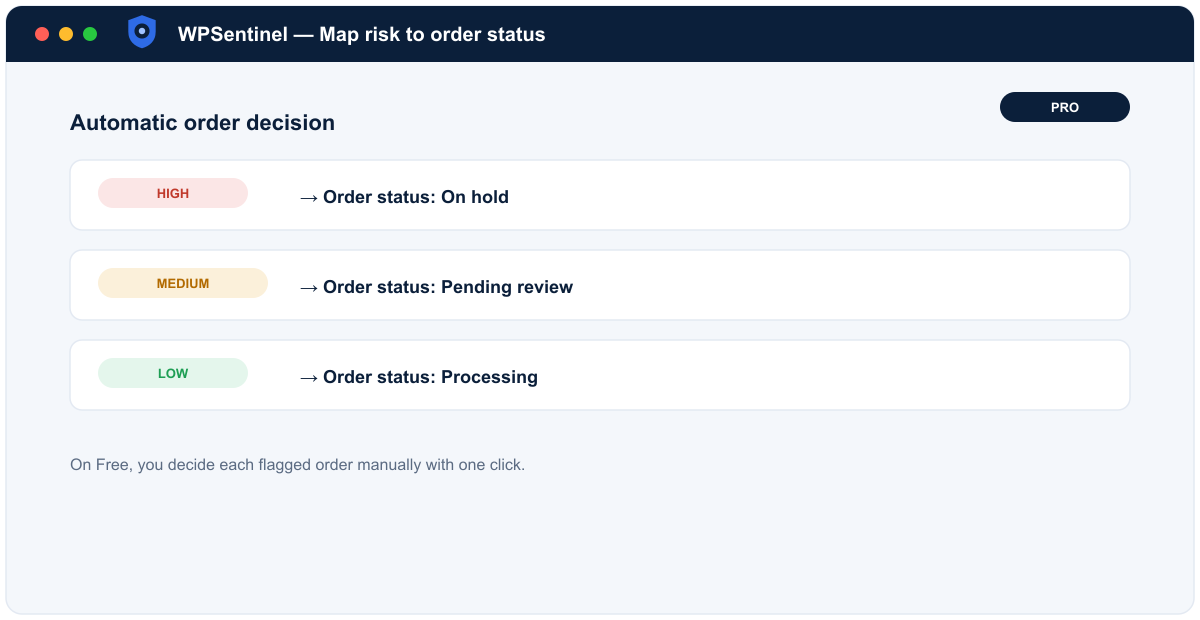
Step 4 — Map risk to order status
On Pro, choose how each risk band maps to a WooCommerce order status so risky orders route themselves. On Free, you review each flagged order manually.
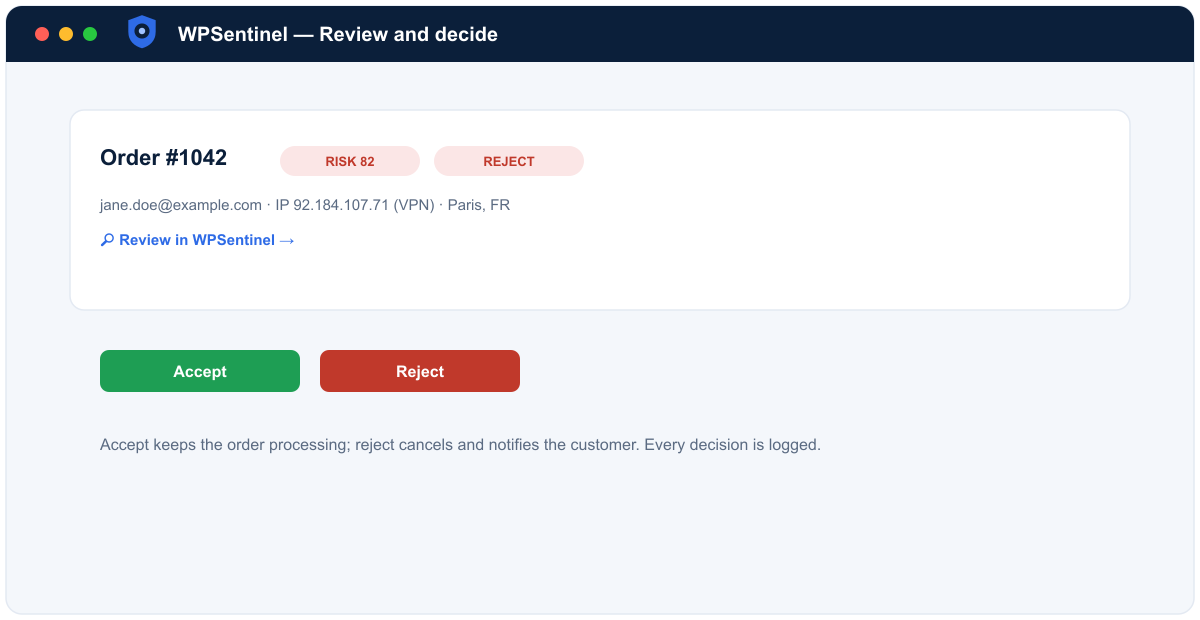
Step 5 — Review and decide
Open a flagged order, follow the “Review in WPSentinel” link into the forensics, then accept or reject in one click.
Requirements: WordPress 6.4+, PHP 8.1+, WooCommerce 8.0+.